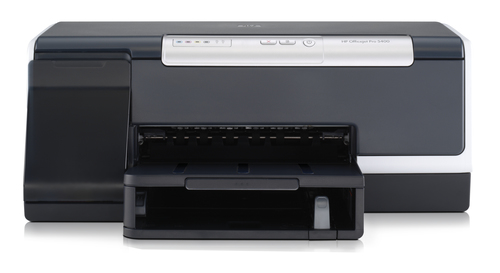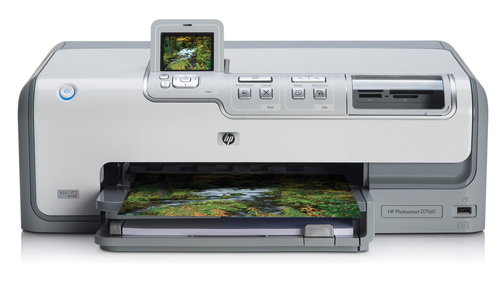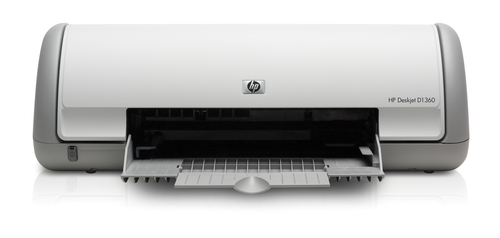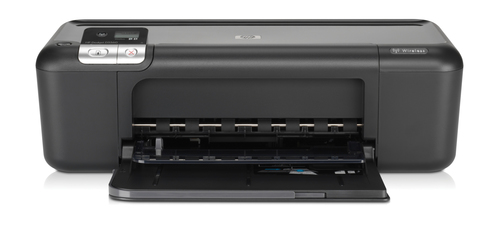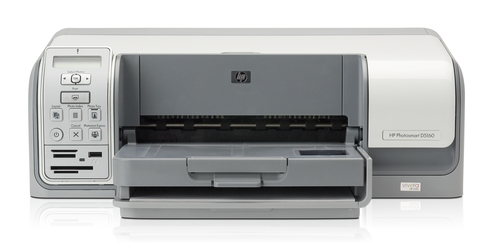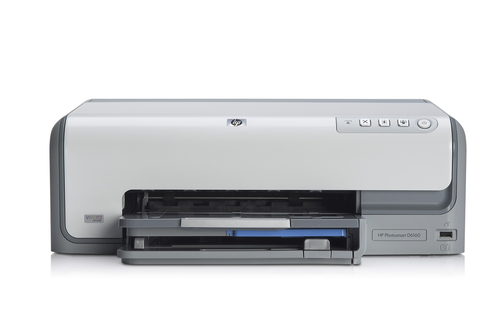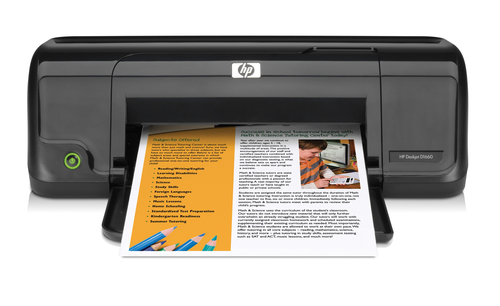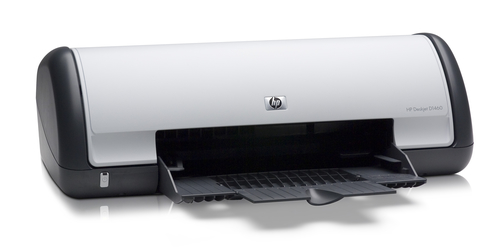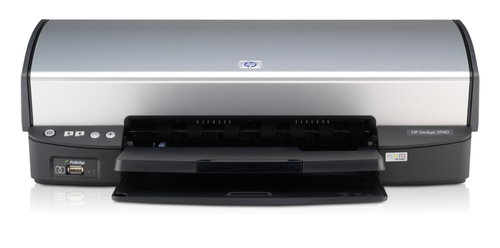
HP Deskjet 5940
Model Deskjet 5940Part no. C9017BEAN 882780457041
81 specifications
- Memory32 MB
- ConnectivityUSB 2.0, PictBridge
- Weight3.6 kg
- ColourYes
- Maximum resolution1200 x 1200 DPI
- Total input capacity100 sheets
Overview
- Memory
- 32 MB
- Connectivity
- USB 2.0, PictBridge
- Weight
- 3.6 kg
- Colour
- Yes
- Maximum resolution
- 1200 x 1200 DPI
- Total input capacity
- 100 sheets
- Brand
- HP
- Category
- Inkjet Printer
- Model
- Deskjet 5940
- Part number
- C9017B
- EAN / UPC
- 882780457041, 882780029361, 882780029378, 882780029385 +4 more
- Also known as
- HP Deskjet 5940 inkjet printer Colour 1200 x 1200 DPI
Specifications
81 specifications in 14 groups
Features
| Specification | Value |
|---|---|
| Colour | Yes |
| Maximum duty cycle | 3000 pages per month |
| Electromagnetic compatibility | EN55022: 1998/Class B/CISPR 22: 1997 Class B/CISPR 22: +A1 2000; EN55024: 1998/A1: 2001; A2: 2003/CISPR 24: 1997; EN 61000-3-2: 2000 (second edition); EN 61000-3-3: 1995 + A1: 2001; FCC Title 47 CFR, Part 15 Class B |
| Safety | IEC 60950: 1999 third edition/EN 60950: 2000; IEC 60950-1: 2001 first edition/EN 60950-1: 2001; IEC 60825-1+A1+A2 and EN 60825-1: 1994+A11: 1996+A2: 2001/Class 1 for LEDs |
| Print head nozzles | 672 black, 600 colour |
Printing
| Specification | Value |
|---|---|
| Maximum resolution | 1200 x 1200 DPI |
| Print speed (black, normal quality, A4/US Letter) | 8.5 ppm |
| Print speed (colour, draft quality, A4/US Letter) | 24 ppm |
| Print speed (black, draft quality, A4/US Letter) | 30 ppm |
| Print speed (colour, normal quality, A4/US Letter) | 5.3 ppm |
| Borderless printing | Yes |
| Print speed (colour photo, draft quality) on photo paper | 27 ppm |
| Print speed (colour, full-page colour, normal quality, A4) | 2 ppm |
| Print speed (colour, best quality, A4) | 2.3 ppm |
| Print speed (black, best quality, A4) | 2.4 ppm |
| Print quality (colour, best quality) | 4800 DPI |
| Print quality (black, normal quality) | 600 DPI |
| Print quality (black, draft quality) | 300 DPI |
| Print quality (black, best quality) | 1200 |
| Print speed (black, fast normal quality, A4) | 11 ppm |
| Print speed (colour, fast normal quality, A4) | 8 ppm |
Input & output capacity
| Specification | Value |
|---|---|
| Total input capacity | 100 sheets |
| Total output capacity | 50 sheets |
| Maximum input capacity | 100 sheets |
| Maximum input capacity for transparencies | 110 sheets |
| Maximum input capacity for labels | 20 |
| Maximum input capacity for envelopes | 10 |
| Maximum input capacity for cards | 20 |
| Paper handling standard/input | 100-sheet input tray |
| Paper handling standard/output | 50-sheet output tray |
Paper handling
| Specification | Value |
|---|---|
| Paper handling | 100-sheet input tray, 50-sheet output tray, manual two-sided printing (driver support provided) |
| Recommended media weight | 60 - 90, 70 - 90, 200, 280 g/m² |
| Standard media sizes | A4 (210 x 297 mm); A5 (148 x 210 mm); B5 (176 x 250 mm); DL (110 x 220 mm); C6 (114 x 162 mm); A6 (105 x 148 mm); (30 x 10 cm); (13 x 18 cm); (10 x 15 cm) |
| Custom media sizes | 77 x 127 - 215 x 610 |
| Recommended media | Paper (plain, inkjet, photo, glossy), envelopes, transparencies, labels, cards (index, greeting), borderless media |
Ports & interfaces
| Specification | Value |
|---|---|
| PictBridge | Yes |
| I/O ports | 1 x USB 2.0 1 x PictBridge |
Performance
| Specification | Value |
|---|---|
| Internal memory | 32 MB |
| Maximum internal memory | 32 MB |
| Acoustic power emissions | 5.3 B(A) |
| Acoustic pressure emissions | 40 dB |
Design
| Specification | Value |
|---|---|
| Market positioning | Home & office |
Power
| Specification | Value |
|---|---|
| Power consumption (printing) | 44 W |
System requirements
| Specification | Value |
|---|---|
| Compatible operating systems | Microsoft Windows 98 SE, Me, 2000, XP Home, XP Professional Mac OS X v 10.2, 10.3 + |
| Minimum processor | 233 MHz Pentium II / Pentium III, Celeron |
| Minimum RAM | 128 MB |
| Minimum storage drive space | 600 MB |
| Minimum system requirements | 233 MHz Pentium II, Celeron or compatible processor (Pentium III or higher recommended); 64 MB RAM (for Windows 98 SE, Me, 2000), 128 MB RAM (for Windows XP Home, XP Professional); 600 MB available hard disk space for full software installation (300 |
| Minimum system requirements for Macintosh | G3 processor (higher recommended); 128 MB RAM; 150 MB available hard disk space;SVGA monitor (800 x 600 with 16-bit colour); CD-ROM drive; Mac OS X v 10.2, 10.3 and higher (does not support Mac OS 9 and earlier or Mac OS X v 10.1.5 and earlier)USB port; U |
Operational conditions
| Specification | Value |
|---|---|
| Operating temperature (T-T) | 10 - 35 °C |
| Storage temperature (T-T) | -40 - 60 °C |
| Operating relative humidity (H-H) | 15 - 80% |
| Storage relative humidity (H-H) | 5 - 90% |
| Non-operating relative humidity (non-condensing) | 5 - 90% |
| Recommended operating temperature range (T-T) | 15 - 30 °C |
Sustainability
| Specification | Value |
|---|---|
| Sustainability certificates | ENERGY STAR |
Weight & dimensions
| Specification | Value |
|---|---|
| Width | 459 mm |
| Depth | 220 mm |
| Height | 169 mm |
| Weight | 3.6 kg |
| Maximum dimensions (W x D x H) | 459 x 480 x 144 mm |
| Dimensions with trays up | 459 x 220 x 169 mm |
Packaging data
| Specification | Value |
|---|---|
| Bundled software | HP Image Zone photo & imaging software |
| Package weight | 4.9 kg |
Other features
| Specification | Value |
|---|---|
| Dimensions (WxDxH) | 459 x 220 x 169 mm |
| Interface | USB 2.0, PictBridge |
| Networking features | No |
| Power requirements | 100 - 240 VAC (+/- 10%), 50 - 60 Hz (+/- 3 Hz) |
| Print quality, vertical alignment accuracy | +/- 0.05 mm |
| Print technology | Inkjet |
| Standard input trays | 100 |
| Package dimensions (WxDxH) | 500 x 300 x 225 mm |
| Duplex print options | Manual |
| Typefaces | CG Times, CG Times Italic; Univers, Univers Italic; Courier, Courier Italic; Letter Gothic, Letter Gothic Italic |
| Colour printing technology | HP Photoret III (HP Photoret IV) |
| Approximate page yield (A4, colour) | 260 pages |
| Control panel | 3 front-panel buttons (On/Off, Print, Cancel, Ink Status) |
| Page yield (photo) | C9369EE HP 348 Photo Inkjet Print Cartridge (13 ml) 135 10 x 15 cm photos (+/-10%)** |
| Page yield high capacity (black & white) | C8767EE HP 339 Black Inkjet Print Cartridge (21 ml) 800 pages* |
| Service & support | One-year limited hardware warranty backed by HP service and support (Warranties may vary in European countries, where legal requirements require a longer warranty period). |
| Technical features | True-to-life photo printing plus everyday document printing at breakthrough speeds. Print borderless in any size up to large panorama (215 x 610 mm) Print photos that resist fading for generations* One-touch print cancel button and ink status indicator 10 |
What people say
Reviews & ratings
HP Deskjet 5940
- Every rating countsLow ratings are never hidden, removed or pushed down.
- Written by people, never paidNo incentives, no edits — only spam and abuse are removed.
- Private by designOnly the name you choose is shown. No account, no e-mail, nothing tracked.
Compare HP Deskjet 5940
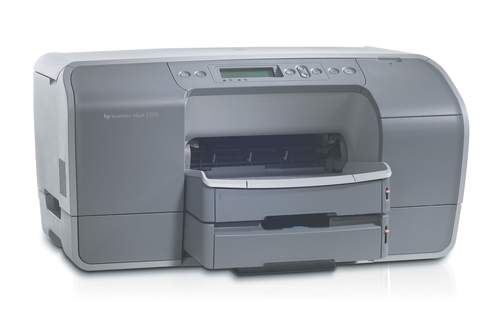
All inkjet printer comparisons- HP Deskjet 5940 vsHP Business Inkjet 2300n inkjet printer ColourCompare specs
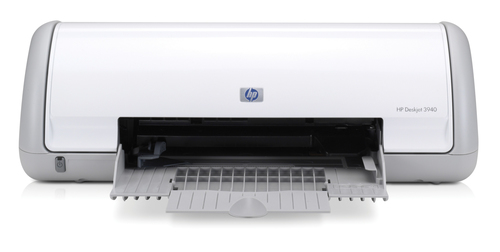
- HP Deskjet 5940 vsHP Deskjet 3940 inkjet printer ColourCompare specs
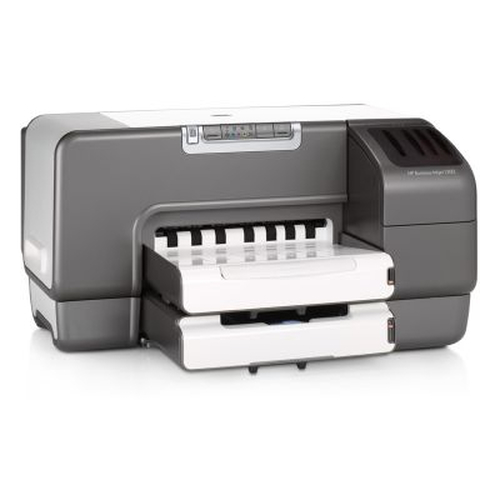
- HP Deskjet 5940 vsHP Business Inkjet 1200dtwn inkjet printer ColourCompare specs
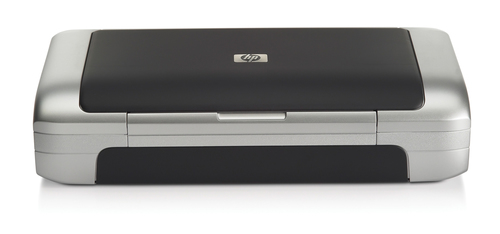
- HP Deskjet 5940 vsHP Deskjet 460wbt Mobile PrinterCompare specs
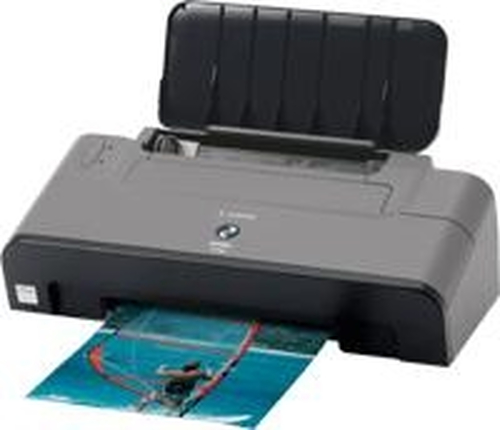
- HP Deskjet 5940 vsCanon PIXMA iP2200Compare specs
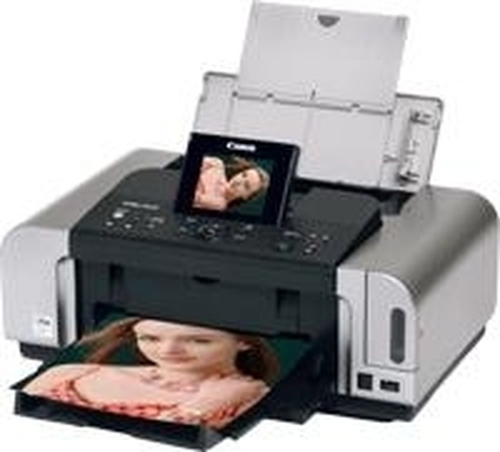
- HP Deskjet 5940 vsCanon PIXMA iP6600D inkjet printer ColourCompare specs
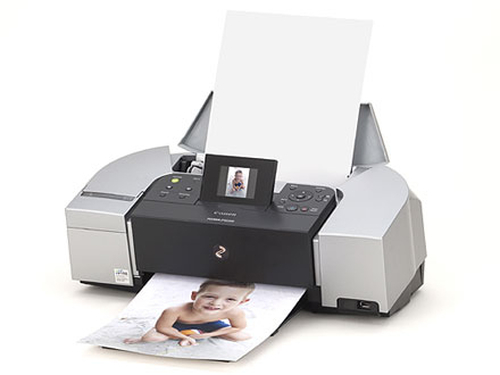
- HP Deskjet 5940 vsCanon PIXMA iP6220D inkjet printer ColourCompare specs
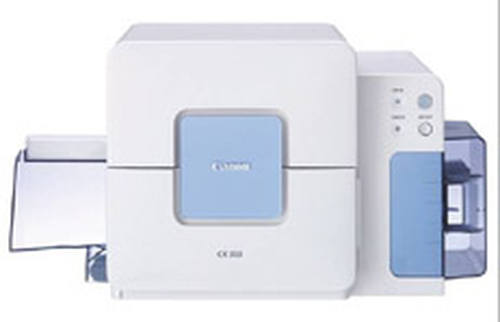
- HP Deskjet 5940 vsCanon CX 350 Business Card PrinterCompare specs